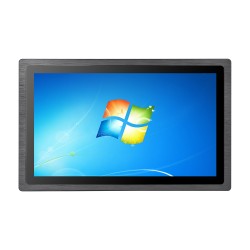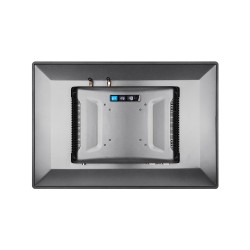









How to keep a panel computer in good shape?
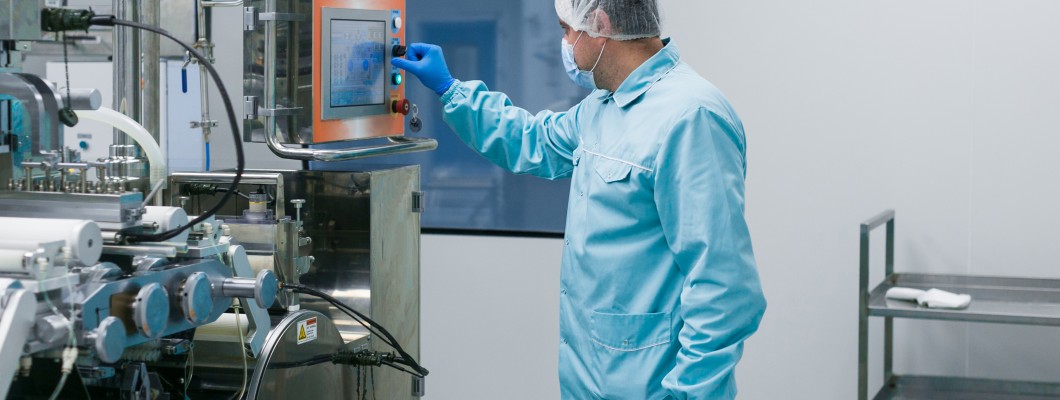
How to keep a panel PC in good technical condition?
Panel PCs are extremely reliable devices designed to operate in harsh industrial environments. However, to ensure their long service life and trouble-free operation, regular maintenance and proper use are necessary. In this guide, we present practical tips that will help you keep your panel PC in excellent technical condition.
1. Regular cleaning
Dust, dirt, and moisture can affect the operation of a panel PC. Regular cleaning is essential:
- Use a soft, damp cloth to remove dust from the touchscreen and housing.
- Avoid using aggressive chemicals that could damage the surface of the device.
- If the computer operates in a highly dusty environment, clean the device more often.
2. Monitoring the operating temperature
Panel PCs are designed to operate in a wide temperature range, but excessive overheating can affect their performance and service life. Here is what you can do:
- Ensure proper ventilation in the computer’s workplace.
- Avoid installing the device in places exposed to direct heat sources.
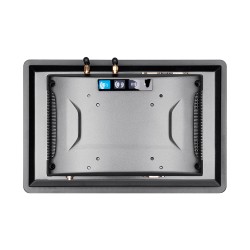
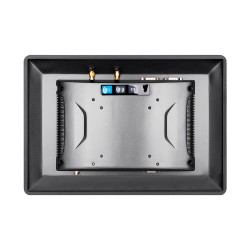
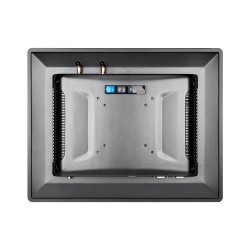
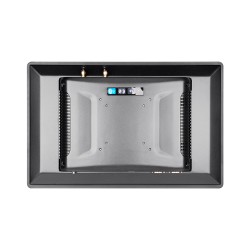
- Regularly check that the ventilation openings are not blocked.
3. Software updates
Operating system and control software updates ensure the security and optimal performance of the device:
- Regularly check for software updates from the manufacturer.
- Update drivers and the operating system to prevent compatibility problems.
- Install antivirus software to protect the computer from network threats.
4. Regular inspection of connections
The stability of cable connections and communication ports is crucial for the reliable operation of a panel PC:
- Regularly check whether the cables are properly connected and not damaged.
- Avoid excessive cable tension, which could lead to damage.
- Clean ports of dust and other contaminants.
5. Failure prevention
Failure prevention is the key to avoiding costly downtime. Here are a few steps you can take:
- Perform regular technical inspections of the device.
- Respond to any irregularities, such as excessive noise or slowdowns in operation.
- Provide proper power supply, for example by using uninterruptible power supplies (UPS).
Summary
Regular maintenance, monitoring working conditions, and a quick response to the first signs of irregularities are the best ways to ensure that panel PCs operate reliably for a long time. Proper cleaning, software updates, inspection of connections, and stable power supply help reduce the risk of failure, extend the service life of the device, and maintain operational continuity in a demanding industrial environment.