








The Role of an IP65 Panel PC in an MES System
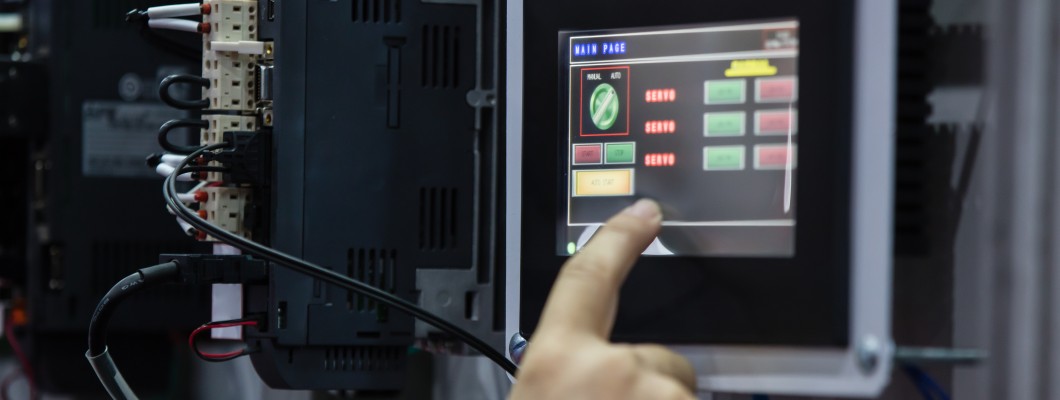
In modern manufacturing, data must circulate quickly, clearly, and without distortion. However, the MES system alone does not solve the problem if the operator on the shop floor does not have a convenient and durable access point to information. This is exactly where IP65 panel PCs come in. They are not merely screens for displaying order status. In practice, they are work terminals that become the link connecting the human, the machine, and the higher-level system responsible for production supervision.
Table of contents
- Why the shop floor environment changes everything for panel PC requirements
- How an IP65 panel PC works in an MES system
- The point of contact between human, machine, and higher-level system
- Why a 15-inch panel PC fits MES so well
- What should an industrial panel PC for MES have?
- Where such a terminal delivers the greatest advantage
- Implementation: the hardware must fit the process, not the other way around
- Panel PC and the most common mistakes when selecting it for an MES workstation
- Conclusions and outlook
From the perspective of industrial architecture, MES functions as an intermediate layer between business and control. The ISA-95 standard describes integration between enterprise systems and control systems, and the simplified model places MES at level 3, between ERP and process systems at levels 2 and 1. This means that MES collects information from production, organizes it, passes it on, and supports ongoing operational decisions.
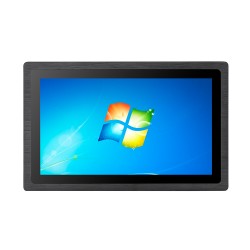
In a real production plant, the operator does not communicate with MES “abstractly.” They do so through a workstation terminal, operator panel, or panel PC installed near a line, machine, quality control station, or assembly cell. MPDV explicitly indicates that an HMI in production can operate as a shop floor terminal serving as the interface to the MES system, used for entering production data such as times or quantities and for displaying information from the system. That is exactly why an industrial panel PC is not an accessory, but a physical point of contact between the digital world and the operator’s work.
Why the shop floor environment changes everything for panel PC requirements
In theory, a standard computer with a monitor would be enough to handle an MES application. In practice, the shop floor quickly verifies such assumptions. Dust, oil mist, humidity, accidental splashes, vibrations, frequent workstation washing, and multi-shift operation mean that office equipment becomes the weakest link in the entire process. And if the access point to the MES stops working, the operator loses the ability to report progress, close operations, report downtime, or confirm quality.
Here, the IP rating is of key importance. IEC 60529 defines the system for classifying enclosure protection levels against solid bodies and moisture. In practice, IP65 means complete dust-tightness and resistance to water jets. In other words, the device is prepared to work in an environment where dust, production debris, and sprayed or directed water under moderate pressure are present, but this is not the same as resistance to immersion.
This is a very important distinction when selecting equipment. In many MES implementations, an IP67 or IP69K enclosure is not immediately necessary. Much more often, what is needed is simply a properly selected IP65 panel PC that can handle dust, periodic washing of the work zone, and daily contact with a demanding environment. IP65 front panels are solutions designed specifically for wet and dusty applications, and correct installation along with proper front sealing directly affect the effectiveness of the protection.
How an IP65 panel PC works in an MES system
At the operational level, an MES terminal has one basic task: to enable a fast and error-free transition between an event on the production floor and information in the system. The operator logs into the workstation, selects the order, confirms the start of work, reports completion of the batch, records a material shortage, reports micro-downtime, enters the quality inspection result, or retrieves an assembly instruction. For the shift manager and planner, these activities later create the real picture of production.
Siemens describes MES as a layer used to manage, monitor, and control processes on the shop floor, with access to information about production activities, resources, and materials in real time. The same description highlights monitoring, orchestration of activities, batch tracking, and process optimization functions. This means that the operator terminal must be constantly available, readable, and responsive, because the quality of the entire system’s input data depends on it.
That is why a properly selected industrial panel PC in an MES environment should be treated not as a “screen for an application,” but as a process interface. If the operator has to remove gloves, look for a mouse, avoid damp buttons, or reset a frozen workstation, the whole purpose of digital implementation starts to blur. On the shop floor, simplicity matters: large touch fields, readable typography, stable 24/7 operation, fast login, and resistance to conditions that do not exist in an office at all.
The point of contact between human, machine, and higher-level system
In many plants, the MES terminal is still viewed only as the endpoint of the IT system. This is a mistake. In reality, it is a production interface through which decisions, confirmations, and alarms flow. The operator reads the workstation instruction, batch number, current order, task queue, quality status, cause of stoppage, or material request on it. At the same time, execution, consumption, scrap, times, and causes of deviations return to the system.
MPDV explicitly states that a shop floor terminal in the role of HMI for MES is used both to collect and enter data and to display information for the operator. Siemens, in turn, emphasizes the role of MES in monitoring and delivering information in real time. When these two facts are combined, it becomes clear that an IP65 panel PC is a physical node of information flow: on one side, the person provides data to the system, and on the other, the system guides the person through the process.
That is exactly why device durability has a direct impact on the quality of production management. If the terminal is unreliable, data appears late or does not appear at all. If the screen responds poorly to touch, the operator starts postponing reporting “until later.” If the enclosure cannot handle dust and humidity, the workstation periodically drops out of operation. And then even the best MES system stops being a source of operational truth.
Why a 15-inch panel PC fits MES so well
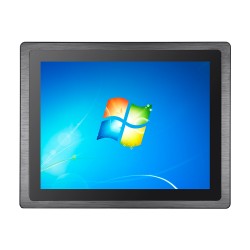
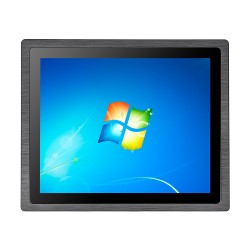
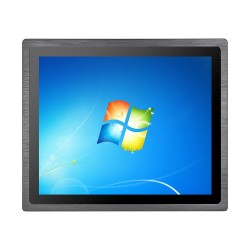
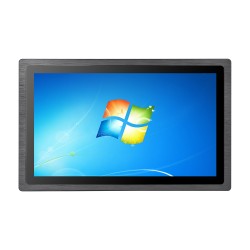
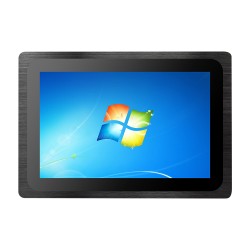
The most frequently searched and purchased option is the 15-inch panel PC, but why is that the case? At MES workstations, a 15-inch screen very often turns out to be a reasonable compromise between ergonomics and device size. It is large enough to simultaneously display the order, basic KPIs, operation status, action buttons, and quality messages, while still compact enough to be conveniently mounted near a machine, console, or support arm.
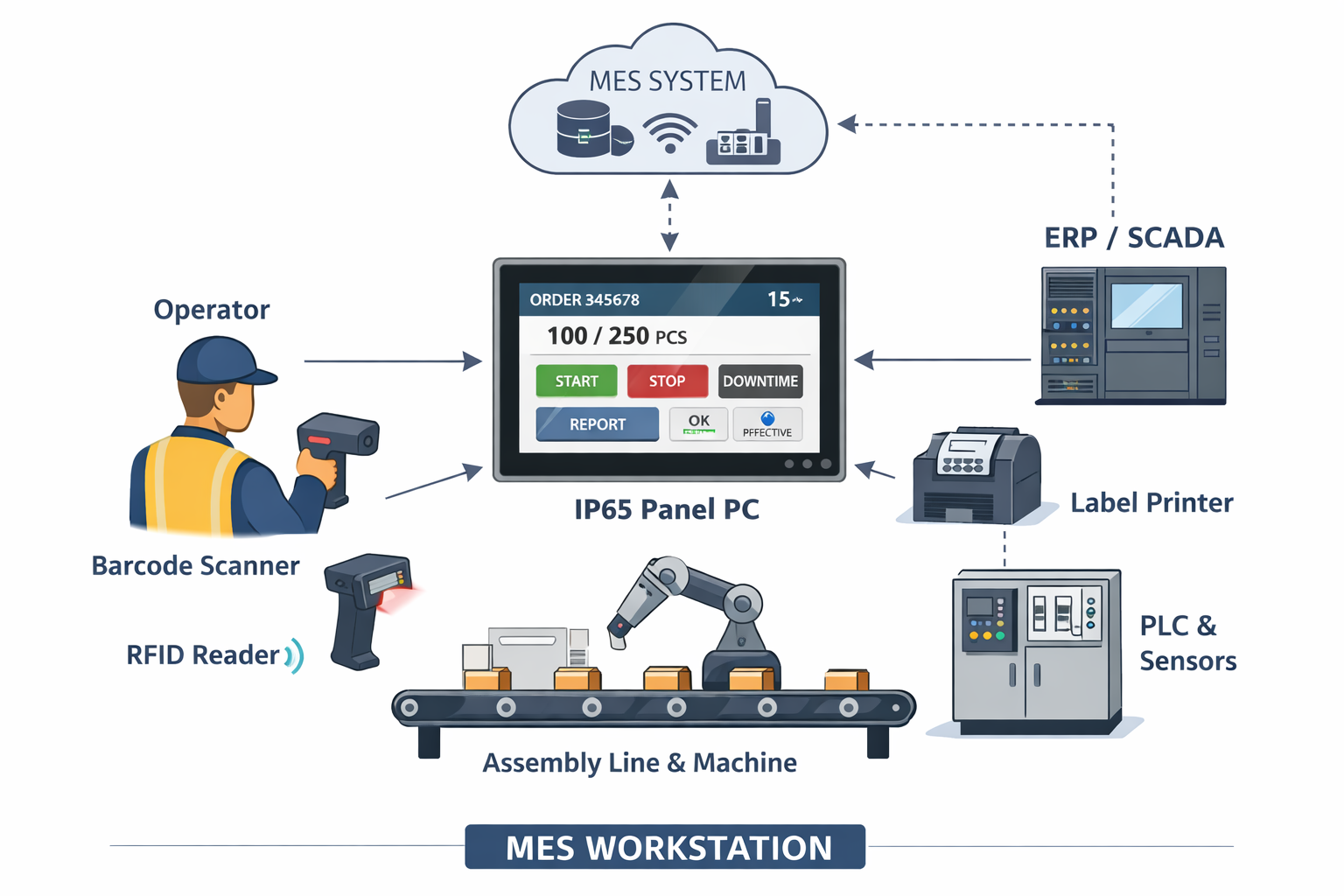
In practice, a 15-inch panel PC works well wherever the operator works close to the screen and needs fast access to information without extensive navigation. This format is especially useful at assembly workstations, packing stations, picking cells, production registration stations, and wherever readability must be combined with limited space. This is not an absolute rule, but very often 15 inches provides the best balance between interface size and mounting practicality.
From the point of view of MES application design, a screen of this class also makes it possible to build the interface layout sensibly. Large touch buttons, proper contrast, readable status indicators, and a simple division into sections can be maintained: task, result, downtime, quality, confirmation. This is especially important in a production environment, where the operator works quickly, often under time pressure, and the interface is supposed to help, not hinder. It is worth noting that personalization and UX adaptation increase the value of MES, because the system should adapt to the operator, not the other way around.
What should an industrial panel PC for MES have?
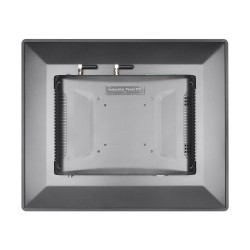
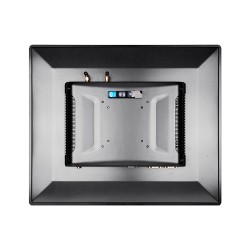
The protection rating alone is not enough. Industrial panel PCs for working with MES should be selected comprehensively. What matters is not only whether the front has IP65, but also how the device will be mounted, whether the touch panel can be operated under working conditions, what interfaces are needed for integration, and whether the construction is suitable for continuous operation.
The most important elements to assess are:
- a sealed front and correct panel mounting,
- stable 24/7 operation,
- a touch screen adapted to workstation conditions,
- brightness and image readability under industrial lighting,
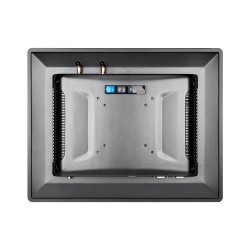
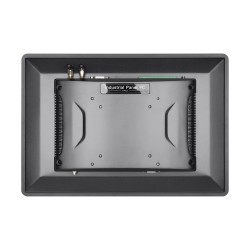
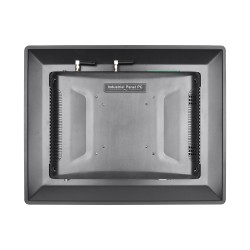
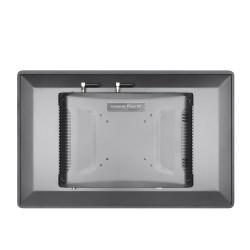
- a fanless design that limits the intake of contaminants,
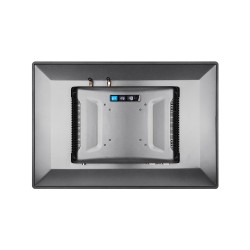
- appropriate communication ports for the network, peripherals, and service,
- the ability to clean the front easily,
- compatibility with the operating system and the MES/HMI application.
It is also worth remembering that the IP declaration applies to a specific product configuration and assumes the proper condition of seals and the correct closure of the enclosure. The choice of protection rating should take into account the real working environment, exposure to water and dust, and the fact that seals wear out over time. This is especially important on lines where devices are regularly washed or exposed to intensive dust.
Where such a terminal delivers the greatest advantage
The greatest benefits are seen in those production areas where fast event registration and continuous availability of information matter. This applies especially to the food, chemical, pharmaceutical, woodworking, metal processing, intralogistics, and packaging industries. In each of them, there are conditions that can quickly eliminate office equipment: dust, steam, liquid splashes, vibrations, frequent cleaning, or temperature variability.
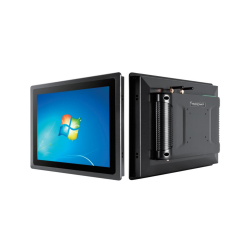
In such environments, an IP65 panel PC can operate as an MES reporting terminal, an instruction retrieval station, a quality reporting panel, an OEE screen, an order confirmation interface, or a local point for production data visualization. Panel PCs with an IP65 front panel are designed for wet and dusty environments, which clearly shows that this is not only about “harsh conditions” in a marketing sense, but about very specific operating scenarios.
Implementation: the hardware must fit the process, not the other way around
When implementing MES, the most common mistake is to choose the application first and only later look for a device that will “somehow display it.” Meanwhile, the terminal should be designed in parallel with the workstation process. You need to know who will use it, which actions they will perform most often, what the work environment looks like, how far the operator stands from the screen, whether they work in gloves, and whether they need a barcode scanner, label printer, RFID reader, or additional service port.
Only then can you honestly assess whether a larger panel or precisely a 15-inch panel PC will be better. In many projects, 15 inches turns out to be the most universal option, because it allows interface ergonomics to be maintained without excessively enlarging the workstation. On smaller screens, applications are easily overloaded, while on larger ones costs, mounting requirements, and the risk that some space will remain unused all increase. A well-designed 15-inch screen is usually sufficient for most key MES operations at workstation level.
Panel PC and the most common mistakes when selecting it for an MES workstation
The first mistake is equating MES with the software itself. The second is selecting a device only on the basis of screen size or price. The third is failing to distinguish between a real need for IP65 and an environment that already requires a higher protection class. The fourth is ignoring touch ergonomics and interface layout. The fifth is assuming that because the device works today, it will work just as reliably after a year of operation in dust and humidity.
Another common mistake is the lack of consistency between the MES interface and the operator’s work rhythm. If the system requires too many clicks, has small elements, unreadable statuses, or does not show the most important information on the first screen, even the best industrial panel PC will not save the implementation. That is why UX design quality and hardware quality should go hand in hand. An interface adapted to the user increases operator efficiency and the real value of MES.
Conclusions and outlook
An MES system only makes sense when shop floor data is collected regularly, quickly, and without disruption. That is exactly why an IP65 panel PC plays a role in such an environment that is far greater than that of an ordinary operator screen. Panel PCs used in this place are a local point of access to orders, quality, performance, reporting, and production tracking. It is the place where the operator meets the digital model of the process. And it is the quality of this contact that determines whether MES will be a real management tool or just another application on the list of systems.
If the workstation operates in dust, elevated humidity, or in an area requiring regular cleaning, an industrial panel PC with an IP65 front is a practical and technically justified solution. And if you additionally care about a good compromise between ergonomics and size, a 15-inch panel PC very often turns out to be the best choice. It is a format that supports everyday MES operation well, does not overload the workstation, and allows a clear interface to be built for the operator.
If you are planning to implement MES terminals on the production floor, it is worth selecting the hardware not only for the application, but above all for the working conditions, mounting method, and the operator’s real tasks.